 Mpromp2 — the AI Prompt Generator
This is a free AI prompt gateway for people who use ChatGPT, Claude, Gemini, DeepSeek, Grok, Midjourney, DALL-E, Stable Diffusion, FLUX or the video models Veo, Sora, Runway, Kling, Luma and Pika: it takes one plain line about what you want and returns a structured prompt package — role, task, context and format for text models, and a cinematically structured shot (subject, camera, lighting, continuity, deliverable) for image and video models — formatted for ingestion by whichever frontier model you run it on. No login, no credits, no limits — everything runs in your browser.
Edit freely — copy and download take your version.
Push copies the generated prompt with a reference line naming your image, and downloads the image file — attach it in the model to complete the pair. This page stages the pair for you; it cannot upload into the model itself (sites cannot reach into each other), so the final attach happens there. The image is downscaled to at most 1024px and stored only in this browser; if browser storage is full, it is kept for this visit only.
How this prompt generator works
Most people type a vague one-liner into an AI and get a vague answer back. The problem is rarely the model — it is the prompt. A strong prompt gives the model four things: a role (who it should act as), a task (exactly what to do), context (the details it needs), and a format (how the answer should come back). This is the RTCF structure used in prompt engineering, and it is what this tool builds for you automatically.
Type your goal in one line, choose the model and the type of job, and the generator assembles a complete prompt around it — with the tone, output format, and level of detail you select. Because different AI models respond to different structures, the generator does not produce one generic prompt: it formats the result for the specific model you picked.
How the prompt is adapted for each model
| Model | What this generator does differently |
|---|---|
| ChatGPT | Instruction-style prompt in markdown: a clear "You are…" role line, a task section, requirements, and an explicit output format. |
| Claude | Structured with XML-style tags (<task>, <context>, <requirements>) — the format Claude is documented to follow most reliably — with the task stated in full sentences. |
| Gemini | Direct imperative instructions in a clean sequence, with constraints listed as short lines Gemini can track. |
| DeepSeek & Grok | Plain structured markdown with explicit reasoning steps where the job benefits from them. |
| Midjourney | Image-prompt syntax instead of sentences: a comma-separated descriptor built from your line — subject, camera, lighting, style — plus real Midjourney parameters (--ar for aspect ratio, --style raw, --v) and a --no list for what to exclude. Attach a reference image and the scaffold reserves a --cref keyframe slot for it. Cost: subscription-bundled — generations draw on plan GPU time rather than a per-image meter. |
| DALL-E / ChatGPT image | A single natural-language descriptive paragraph — DALL-E responds best to prose — structured as subject, composition and camera, lighting, style, continuity with your reference image, and a deliverable line with a check. Cost: bundled in ChatGPT plans, or metered per image through the API. |
| FLUX | A rich natural-language paragraph with photographic vocabulary: subject, camera, lens character, light, texture and aspect ratio, plus a reference-match instruction when a keyframe is attached. Cost: metered per image through APIs and hosts; the open FLUX variants run on your own hardware at zero marginal cost. |
| Stable Diffusion | A descriptor-style prompt plus a separate negative prompt, which is how these models are actually driven. Cost: open weights — runs on your own hardware at zero marginal cost; the hosted API platform is metered per image. |
| Veo | One continuous described shot as structured lines: duration and aspect first, then subject, camera movement, lighting, style, a continuity line (same character, wardrobe and setting throughout) and a deliverable + acceptance-check line — the cinematic scaffold Veo follows best, run in Google Flow. Cost: bundled in Google AI plans (Flow), or metered per second through the API. |
| Sora (discontinued) | OpenAI retired the Sora app in April 2026 and shut the Sora API down in September 2026; video generation now lives inside ChatGPT, which takes the same cinematic scaffold. The adapter is kept so existing workflows still resolve, and its run button goes to ChatGPT — there is no Sora service left to link to. |
| Runway | A compact descriptor line plus camera, duration and aspect flags, in Runway's working style. One clear movement per generation. Cost: subscription credits in the app, or metered through the API. |
| Kling | Compact prose: subject and one action, camera move, lighting, then duration and aspect stated plainly — Kling reads longer described shots well, and the scaffold keeps the action to one per generation. Cost: subscription credits, or metered through the API. |
| Luma | A keyframe-first structure: the shot description plus an explicit instruction to open on your attached start keyframe and end on a clean final frame that can serve as the next shot's start keyframe. Cost: subscription credits, or metered through the API. |
| Pika | A short, vivid scene line with an aspect flag — Pika's strength is simple, bold motion, so the scaffold keeps the described action to one movement. Cost: subscription credits. |
| Nano Banana (Gemini image) | Conversational natural language with editing built in: a full descriptive paragraph, attached reference images kept in play (up to 14 of them), and follow-up instructions that refine instead of regenerating. Cost: bundled in Gemini plans, or metered per image through the API. |
| Adobe Firefly | A descriptive paragraph, with the choices Firefly keeps in its interface — aspect, style and effects presets — left to the controls. Firefly's training data is licensed, which is why commercial teams start here. Cost: bundled in Adobe plans and Firefly credits. |
| Leonardo | A prose paragraph plus a real negative prompt, matching the Phoenix/Lucid pipeline, with reference images carried as character and style guidance. Cost: subscription credits. |
| Recraft | A design-first paragraph written to sit inside a saved project style, so a whole set of images shares one look; Recraft is also the vector (SVG) route. Cost: subscription credits, or metered through the API. |
| Krea | A photographic prose paragraph — Krea hosts many models behind one interface, so the scaffold stays detailed and model-neutral. Cost: subscription credits. |
| Grok Imagine (image) | Plain-language prose — Grok Imagine takes conversational prompts and up to five reference images. Cost: bundled in X Premium and SuperGrok plans. |
| Seedream | A detailed natural-language paragraph with any in-image text kept literal and exact — Seedream renders lettering well and edits across multiple reference images. Cost: metered per image through the API and Dreamina credits. |
| Qwen-Image | Descriptive prose plus a negative prompt, from Alibaba's open image line — unusually strong at rendering long text inside images. Cost: open weights — runs on your own hardware at zero marginal cost; hosted endpoints are metered. |
| HunyuanImage | Long descriptive prose for Tencent's open image model, which reasons about the scene before rendering it. Cost: open weights — runs on your own hardware at zero marginal cost. |
| MAI-Image | Short, plain prompts for Microsoft's consumer image model in Bing Image Creator and Copilot — the description stays simple and the defaults do the work. Cost: bundled in the free Bing and Copilot consumer surfaces. |
| Z-Image | A FLUX-style photographic paragraph for Alibaba's open Z-Image line — small, fast checkpoints that run on consumer graphics cards. Cost: open weights — runs on your own hardware at zero marginal cost. |
| Kandinsky (image) | Plain prose for Sber's open, MIT-licensed Kandinsky 6.0 image model, in English or Russian. Cost: open weights — runs on your own hardware at zero marginal cost. |
| Hailuo (MiniMax) | The cinematic scaffold plus bracketed camera commands — [Push in], [Pan left] — placed where each move happens, with native audio described in the shot and omni-reference images for the subject. Cost: subscription credits, or metered through the API. |
| Seedance | The cinematic scaffold with reference images assigned roles — face, wardrobe, location — and synchronized audio written into the shot description. Cost: metered through the API and Dreamina credits. |
| Wan | Subject-first prose plus a separate negative prompt — Alibaba's open video line, driven like Stable Diffusion with motion. Cost: open weights — runs on your own hardware at zero marginal cost; hosted endpoints are metered. |
| HunyuanVideo | Detailed prose for Tencent's open video model; it generates no native audio, so the scaffold flags the soundtrack as a post-production step. Cost: open weights — runs on your own hardware at zero marginal cost. |
| PixVerse | The cinematic scaffold written to pair with PixVerse's style presets and first/last-frame image-to-video. Cost: subscription credits. |
| Vidu | Reference-first: the scaffold names each attached subject and its role, because Vidu builds the shot from references — with voice IDs for speakers — and audio is on by default. Cost: subscription credits. |
| Grok Imagine Video | A conversational motion description, image-to-video first, with native audio described in the prompt. Cost: bundled in X Premium and SuperGrok plans. |
| Midjourney Video | Image-to-video only: the scaffold first defines the opening still, then the motion flags — --motion low or high, --loop, --end. Silent, so sound is a post step. Cost: subscription-bundled GPU time, shared with image generation. |
| LTX | Verbose shot prose including the soundtrack — LTX generates synchronized audio and video in one pass, plus a negative prompt. Cost: open weights — runs on your own hardware at zero marginal cost; the hosted studio is credit-based. |
| CogVideoX | One dense, caption-style paragraph — subject, action, camera, lighting and style in a single flowing description, the format CogVideoX was trained on. Cost: open weights — runs on your own hardware at zero marginal cost. |
| Mochi | Long motion-first prose — speeds, directions, how bodies and materials move — for Genmo's open text-to-video model. Cost: open weights — runs on your own hardware at zero marginal cost. |
| Kandinsky Video | Prose including the soundtrack, with spoken dialogue written between <S> and <E> tags; the open, MIT-licensed model generates picture and synchronized audio together. Cost: open weights — runs on your own hardware at zero marginal cost. |
One prompt, every price point. The same shot is priced differently depending on where you run it: some models are bundled into subscriptions, some draw on plan credits, some meter per image or per second through an API, and the open-weights models run on your own hardware at zero marginal cost once downloaded. Because this generator pre-configures the same prompt for every major model, you can write the shot once and then choose the route that fits your budget — picking the model after the prompt is written is a free way to save money. The library does the same thing from the other side: every media prompt there carries a pre-written version for each model.
Cinematics: complete production workflows, already written
The table above configures single shots. When the job is a whole production — a YouTube video, a TikTok, a product ad, a music video, a biography film — the Cinematic funnel carries the complete workflow for it: every step pre-written, for every model above, free.
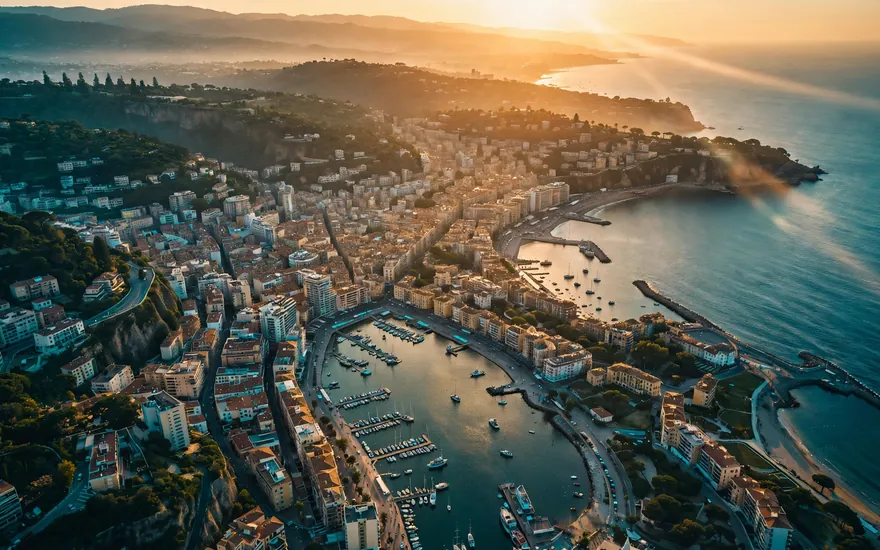 YouTube ProductionOpenings, b-roll and end cards that make a channel look produced.3 prompts · one workflow: establishing shot → b-roll → end cardMake my YouTube video →
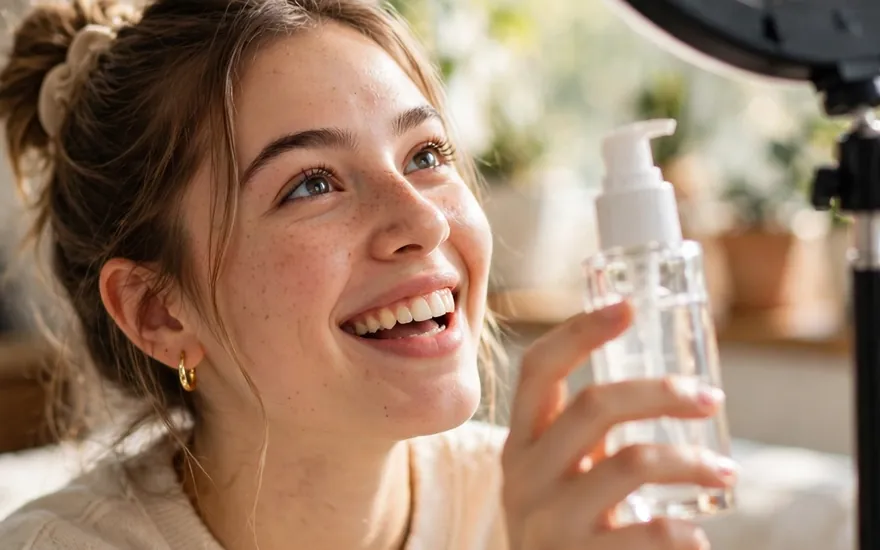 TikTok ProductionHooks and UGC-style ads built for the first two seconds.2 prompts · one workflow: hook clip → UGC-style video adMake my TikTok →
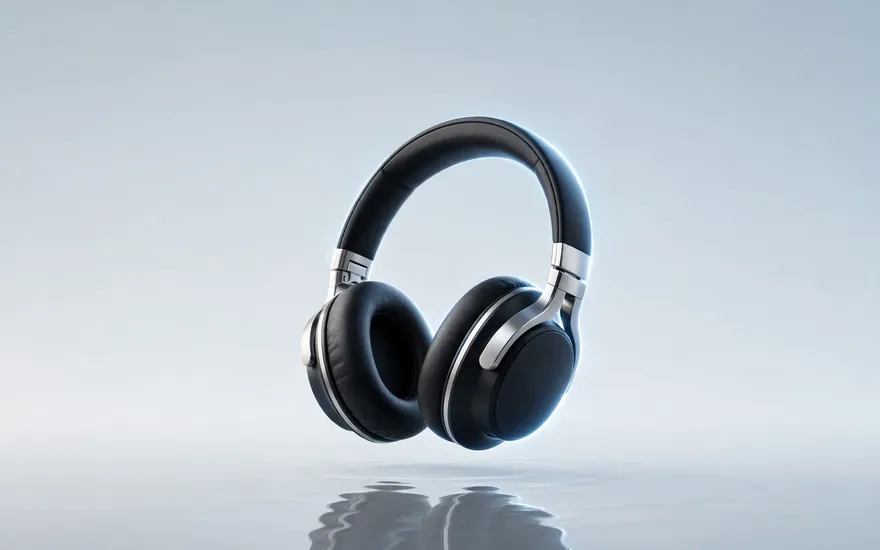 Website PromotionalHero shots and product videos that make a small site look big.2 prompts · one workflow: product hero shot → logo-safe product videoPromote my product →
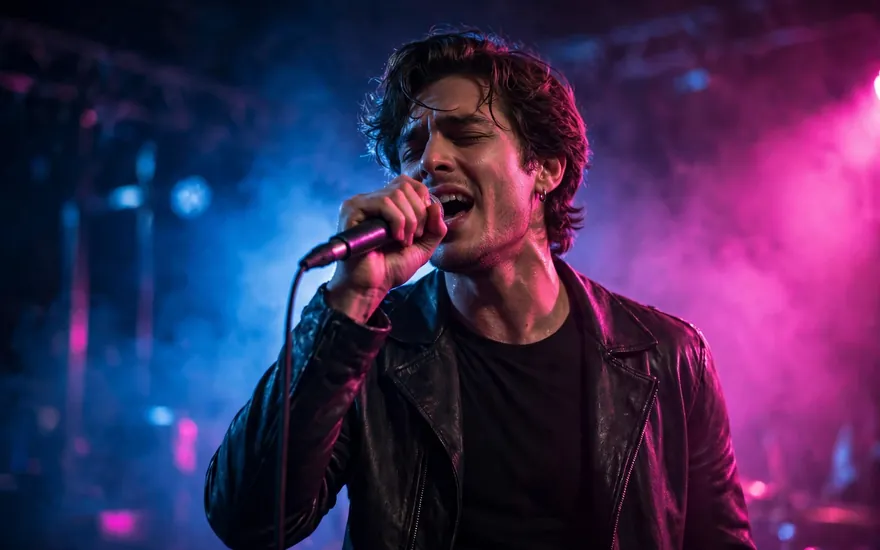 Music Video ProductionStoryboarded sequences and transformation shots with a real arc.2 prompts · one workflow: storyboard sequence → before/after transformationMake my music video →
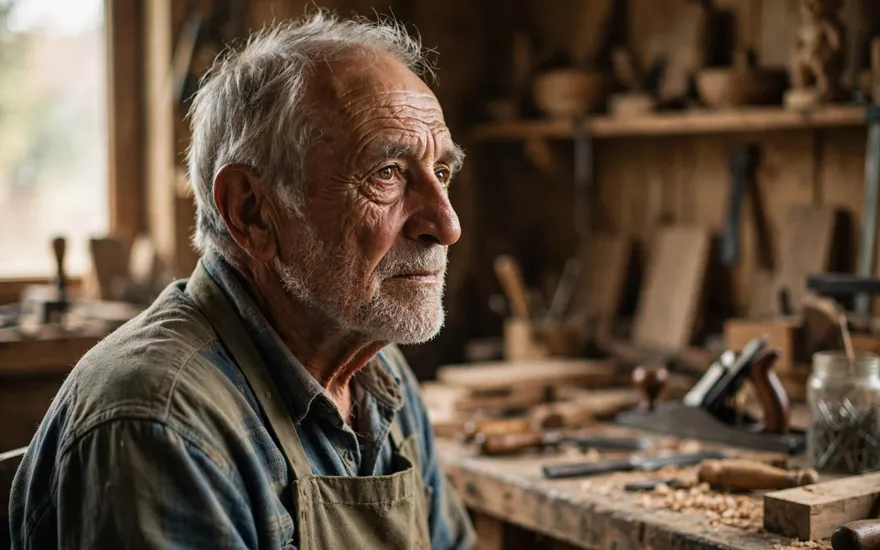 Biography FilmOne face, consistent across every scene of a life story.3 prompts · one workflow: character keyframe → portrait set → talking headTell a life story →
Why use a prompt generator instead of writing prompts yourself?
A prompt generator removes the blank-page problem. Instead of remembering frameworks, you answer simple choices and get a prompt that already contains a role, a task, context slots, constraints, and a format. It is also faster to iterate: change the tone or the model and regenerate, rather than rewriting by hand. And because everything here runs in your browser, there is no account, no credit balance, and nothing you type is sent to a server.
Go deeper
The gateway is free and stays free. If prompting is becoming part of your work, these go further than any single generated prompt:
The Free Prompt Library
Hundreds of ready-made prompts for specialized purposes — writing, marketing, coding, business, everyday tasks and images — each on its own page, each free. Browse until you find the one your task needs.
Browse the library →Run Prompts on a Frontier Plan
Structured prompts get more out of the paid tiers — longer context, stronger models, priority access. Compare the current ChatGPT, Claude and Gemini plans side by side.
Compare plans →Prompt Engineering, Explained
Our own free guide to how prompting actually works — frameworks, model differences, and technique — written across the library's pages, for people who want to write gateway-grade prompts by hand.
Read in the library →The Skills Library
The layer above prompts: ready-made SKILL.md files and per-platform setup guides — procedures your AI keeps and reuses, for Claude, ChatGPT, Gemini, Copilot and more.
Browse the skills →Demonstration placements: the cards above show where partner and product links sit. Live affiliate and storefront links replace them at launch — always labelled, never disguised.
Frequently asked questions
- Is this AI prompt generator free?
- Yes. It is completely free, with no login, no credits, and no limit on how many prompts you generate. The tool runs entirely in your browser.
- Does it work for ChatGPT, Claude, and Gemini?
- Yes — and it does more than work: it formats the prompt differently for each model. ChatGPT gets instruction-style markdown, Claude gets XML-tagged structure, Gemini gets a direct imperative sequence, and image models get their native syntax.
- How do I generate a Midjourney prompt?
- Choose Midjourney as the target model and describe the image in one line. The generator converts it into Midjourney's comma-descriptor style — subject, camera, lighting, style — and appends working parameters such as aspect ratio and style flags, plus a --no exclusion list.
- Can I attach a reference image or keyframe?
- Yes — for image and video models. Attach a reference image under the generated prompt: choose a file, drag and drop it, or paste it. It stays in your browser (downscaled and stored locally, never uploaded anywhere by this page) and the generated prompt gains a continuity or keyframe line for it. The Push button copies the prompt with a reference line naming your image and downloads the image file, so you can attach it in the model in one step — this page cannot upload into the model itself, so the final attach happens there.
- How do I generate a video prompt for Veo, Runway, Kling, Luma or Pika?
- Choose the video model as the target, describe the shot in one line, and set the aspect ratio, camera move and duration. The generator returns a cinematically structured shot — subject, one action, camera, lighting, style, continuity, and a deliverable line with an acceptance check — in the form that model takes best.
- What makes a good AI prompt?
- A good prompt states a role for the AI, one clear task, the context it needs, any constraints (length, tone, things to avoid), and the format you want back. Vague prompts get vague answers; specific prompts get usable ones.
- Does the generator send my text to an AI?
- No. This is a template-assembly tool: it builds your prompt locally from proven structures. Nothing you type leaves your browser, and the generated prompt is yours to paste into whichever AI you use.
- Can I use the generated prompts commercially?
- Yes. The prompts you generate are yours to use however you like, including in commercial work.
Related tools
Character Counter (with SMS segments) · Work Hours Calculator · Due Date Calculator
Mpromp2 — the AI Prompt Generator. This tool assembles prompts from structured templates in your browser. It does not connect to any AI model and does not store or transmit your text.