 Mpromp2 — the AI Prompt Generator
Prompt Library / Prompts for Grok Imagine Video
Free Prompts for Grok Imagine Video
This page collects every prompt in the library in its Grok Imagine Video version — each one formatted the way Grok Imagine Video takes prompts best, on its own page, all free. Grok Imagine Video (xAI, current 1.5 line) is image-to-video first: it animates a starting frame — your keyframe — with conversational motion prompts, and text-to-video was added on the same line. Describe the motion in plain sentences: what moves, how fast, where the camera goes. It takes image and voice references and generates native audio in the same pass, so name the sound the clip should carry. Few hard parameters exist; duration and format are stated in the request or the app controls.
Video
- Product Ad Video Prompt Prompt for Grok Imagine Video — A short product video prompt with camera movement and pacing spelled out.
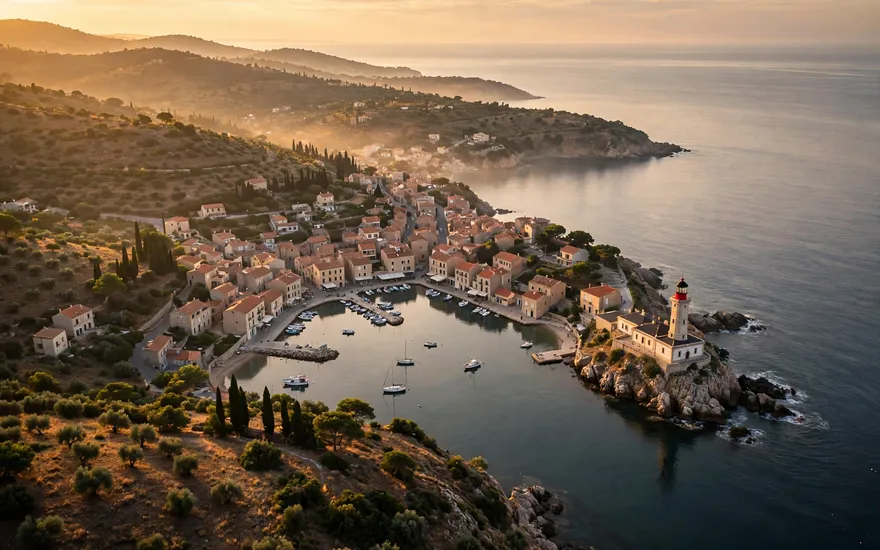
- Nature Scene Video Prompt Prompt for Grok Imagine Video — A calm, realistic nature clip - the most reused stock-style video prompt there is.
- Character Animation Prompt Prompt for Grok Imagine Video — A character doing one clear action - the reliable way to get usable AI video.
- Social Short (Vertical) Video Prompt Prompt for Grok Imagine Video — A vertical, hook-first clip formatted for Shorts, Reels, and TikTok.
Image & Video
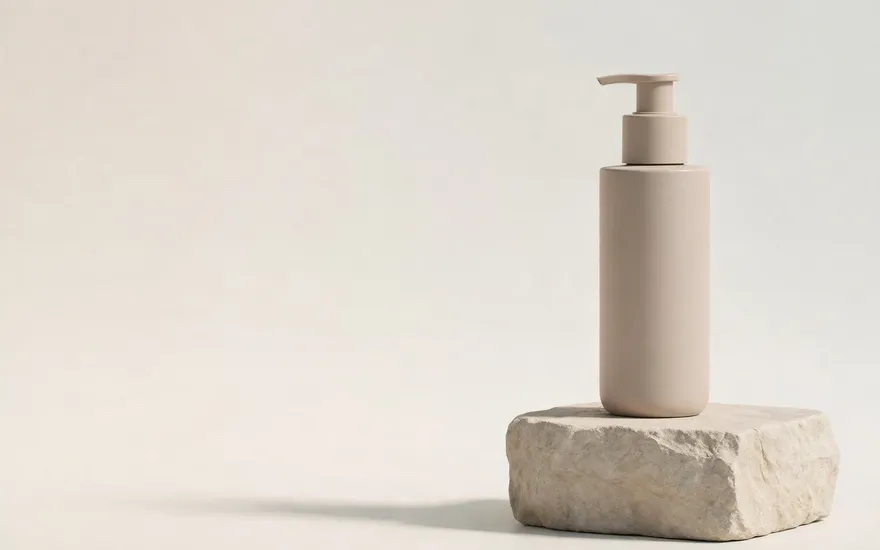 Logo-Safe Product Video (Clean Frame for Post) for Grok Imagine VideoA product video shot deliberately clean — empty center frame and a still final hold — so logo and headline can be added in post without fighting the footage.
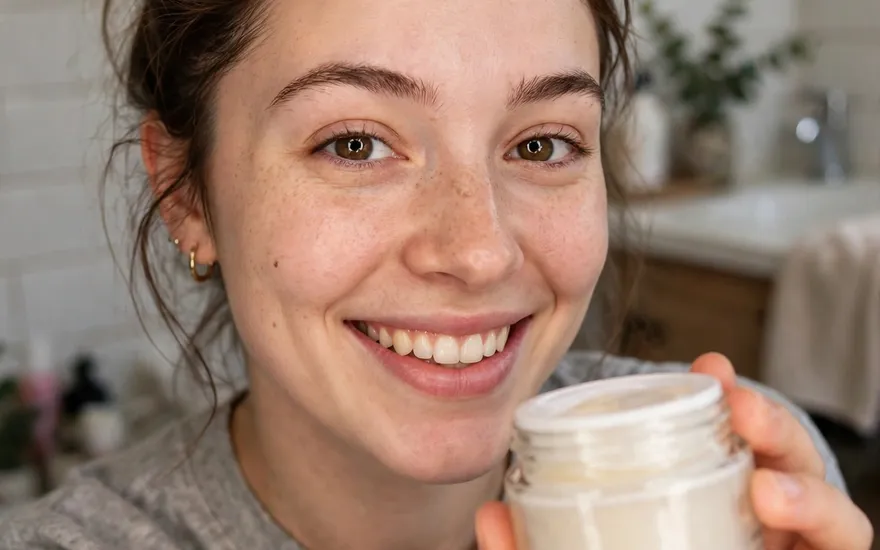 UGC-Style Video Ad for Grok Imagine VideoA phone-shot, creator-style ad clip: handheld, everyday setting, one genuine reaction — made to look native to the feed, not produced.
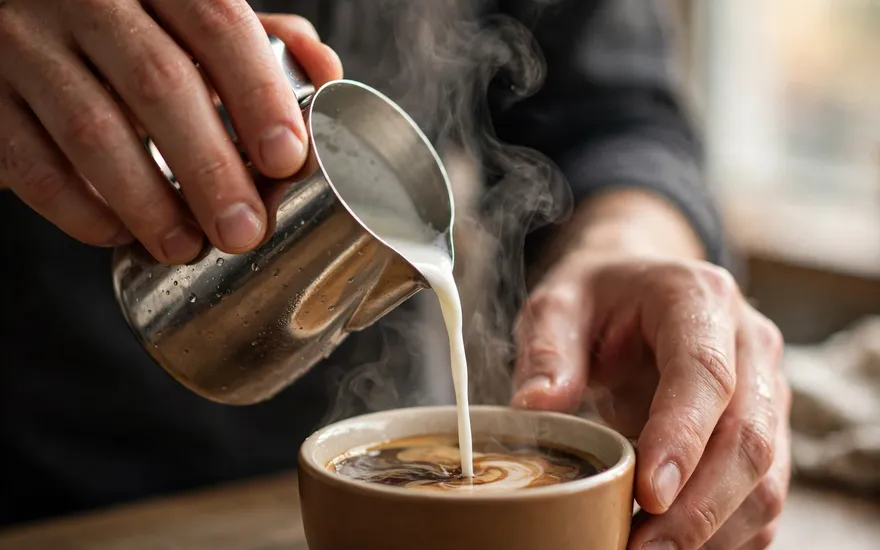 B-Roll Footage Generator for Grok Imagine VideoClean, narration-ready B-roll: one subject, one gliding camera move, nothing that fights a voiceover or an edit.
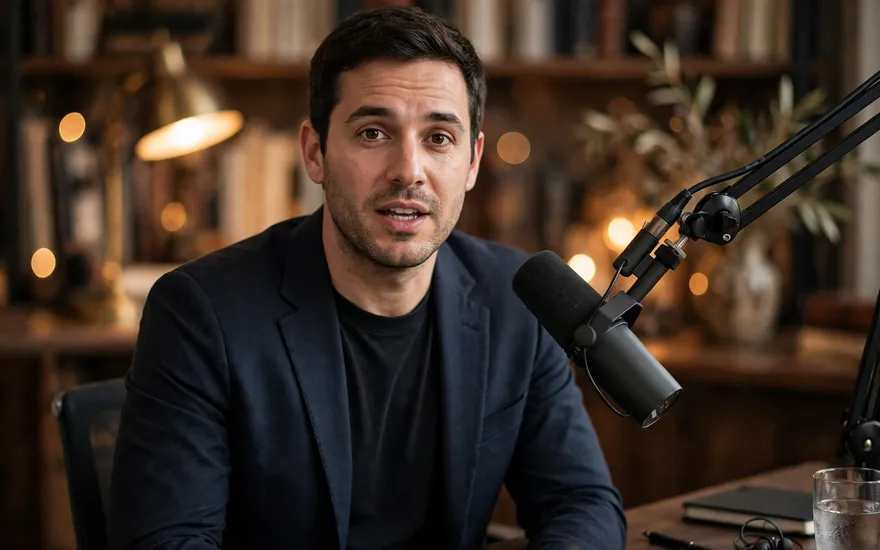 Talking-Head / Avatar Setup Shot for Grok Imagine VideoA locked, centered presenter frame built for avatar and lip-sync workflows: even light, clean sides for captions, no drift.
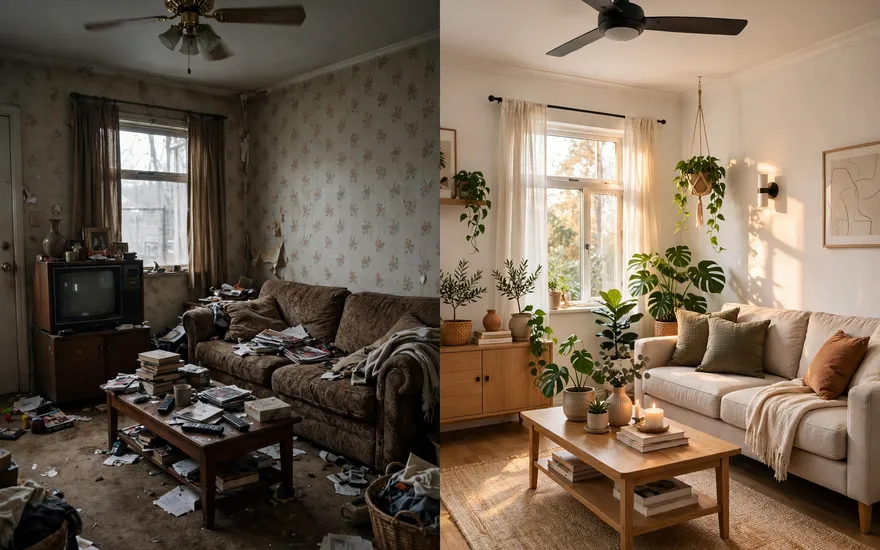 Before / After Transformation Video for Grok Imagine VideoOne locked-off shot that carries a subject from its before state to its after state — the change is the whole clip.
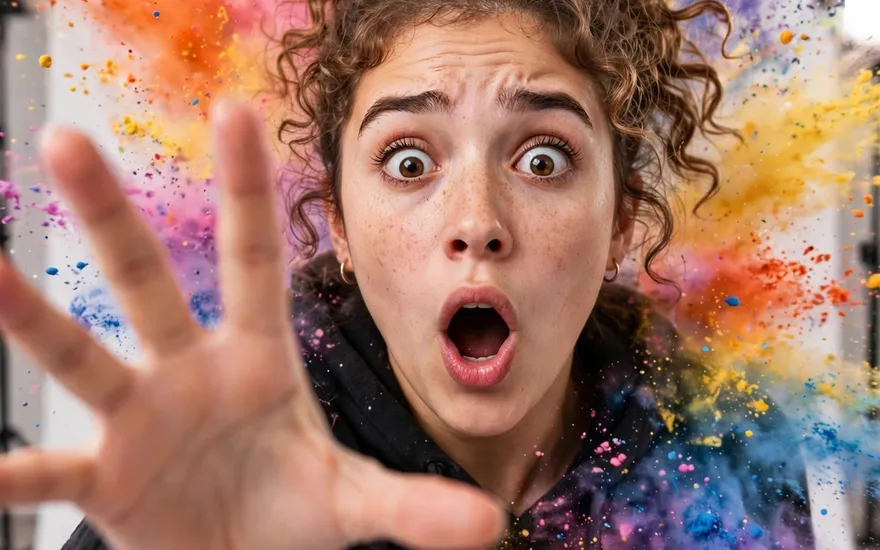 Social Hook Clip (First-Frame Stopping Power) for Grok Imagine VideoA vertical clip engineered around the first frame: already mid-action at frame one, payoff held at the end — built to stop a scrolling thumb.
 End-Card Shot (Closing Frame) for Grok Imagine VideoThe closing shot of a video or ad: subject centered, one light sweep, then a perfectly still hold with clean space for logo and call to action.
- Logo-Safe Product Video (Clean Frame for Post) Prompt for Grok Imagine Video — A product video shot deliberately clean — empty center frame and a still final hold — so logo and headline can be added in post without fighting the footage.
- UGC-Style Video Ad Prompt for Grok Imagine Video — A phone-shot, creator-style ad clip: handheld, everyday setting, one genuine reaction — made to look native to the feed, not produced.
- B-Roll Footage Generator Prompt for Grok Imagine Video — Clean, narration-ready B-roll: one subject, one gliding camera move, nothing that fights a voiceover or an edit.
- Talking-Head / Avatar Setup Shot Prompt for Grok Imagine Video — A locked, centered presenter frame built for avatar and lip-sync workflows: even light, clean sides for captions, no drift.
- Before / After Transformation Video Prompt for Grok Imagine Video — One locked-off shot that carries a subject from its before state to its after state — the change is the whole clip.
- Social Hook Clip (First-Frame Stopping Power) Prompt for Grok Imagine Video — A vertical clip engineered around the first frame: already mid-action at frame one, payoff held at the end — built to stop a scrolling thumb.
- End-Card Shot (Closing Frame) Prompt for Grok Imagine Video — The closing shot of a video or ad: subject centered, one light sweep, then a perfectly still hold with clean space for logo and call to action.
What this route costs — and how to pay less
Cost structure: bundled — video generation rides on Grok subscription tiers rather than a per-second meter, so for an existing subscriber the marginal cost of a clip is zero. The same prompt is pre-configured in this library for every major model, so you can run it on whichever route fits your budget — comparing the structures before you generate is a free way to save money.
The layer above prompts
Prompts are single instructions. Skills are procedures your AI keeps — see the Skills Library for SKILL.md files and the setup guide for this platform.
Mpromp2 — the AI Prompt Generator. All prompts are free to use, including commercially. Full library: all prompts, all models.