 Mpromp2 — the AI Prompt Generator
Prompt Library / Prompts for Midjourney Video
Free Prompts for Midjourney Video
This page collects every prompt in the library in its Midjourney Video version — each one formatted the way Midjourney Video takes prompts best, on its own page, all free. Midjourney's video (the V1 line) is image-to-video only: there is no text-to-video — you animate a still you made or uploaded, with an optional motion prompt. Control lives in flags appended to the job: --motion low or --motion high, --loop for a seamless loop, --end with a closing still to land on a specific final frame. Clips are 5 seconds, extendable in steps to about 21, and silent — sound is always a post-production step. The prompt below is therefore written as the still's description plus the motion instruction.
Video
- Product Ad Video Prompt Prompt for Midjourney Video — A short product video prompt with camera movement and pacing spelled out.
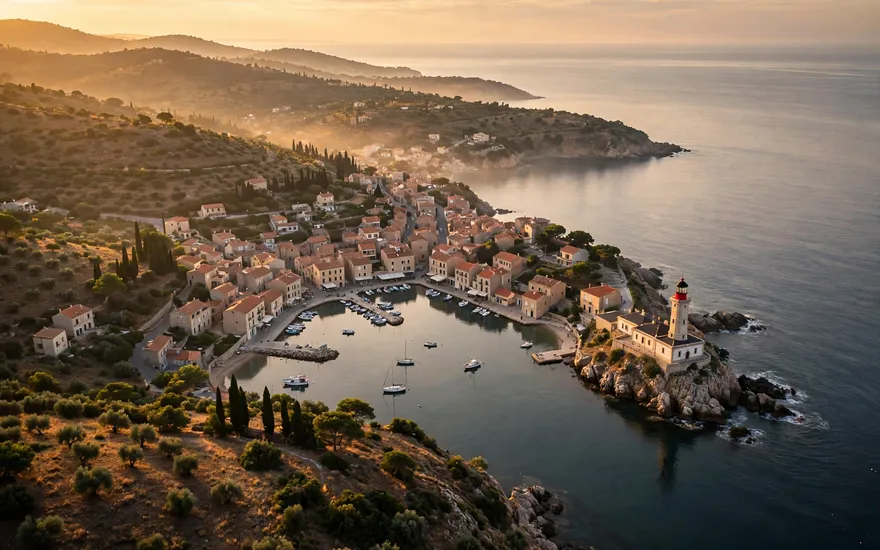
- Nature Scene Video Prompt Prompt for Midjourney Video — A calm, realistic nature clip - the most reused stock-style video prompt there is.
- Character Animation Prompt Prompt for Midjourney Video — A character doing one clear action - the reliable way to get usable AI video.
- Social Short (Vertical) Video Prompt Prompt for Midjourney Video — A vertical, hook-first clip formatted for Shorts, Reels, and TikTok.
Image & Video
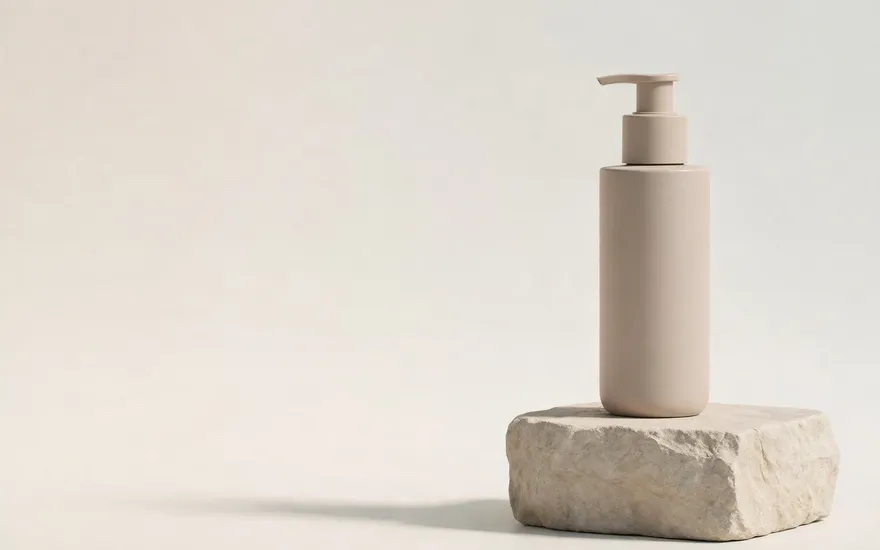 Logo-Safe Product Video (Clean Frame for Post) for Midjourney VideoA product video shot deliberately clean — empty center frame and a still final hold — so logo and headline can be added in post without fighting the footage.
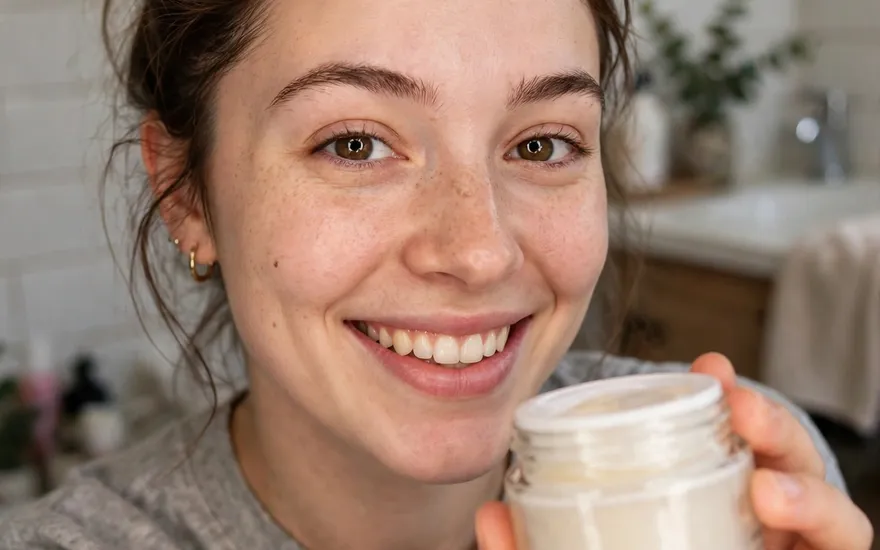 UGC-Style Video Ad for Midjourney VideoA phone-shot, creator-style ad clip: handheld, everyday setting, one genuine reaction — made to look native to the feed, not produced.
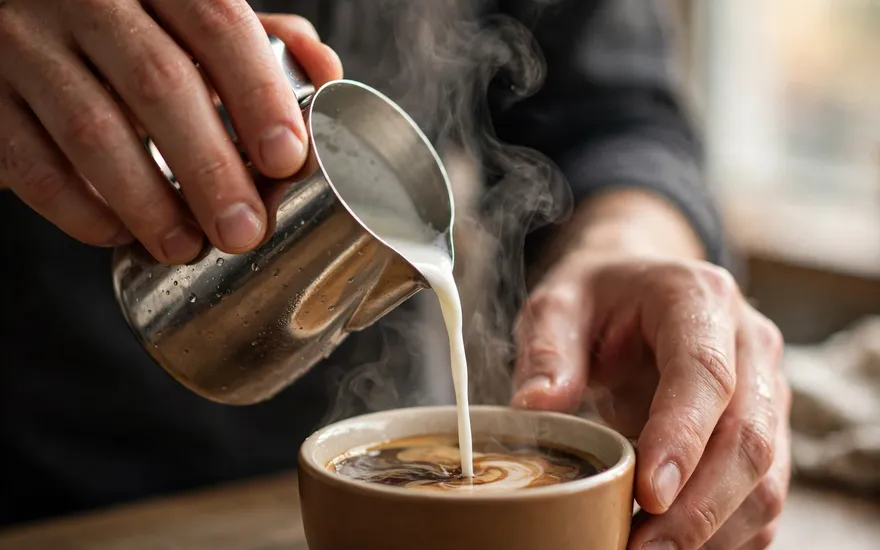 B-Roll Footage Generator for Midjourney VideoClean, narration-ready B-roll: one subject, one gliding camera move, nothing that fights a voiceover or an edit.
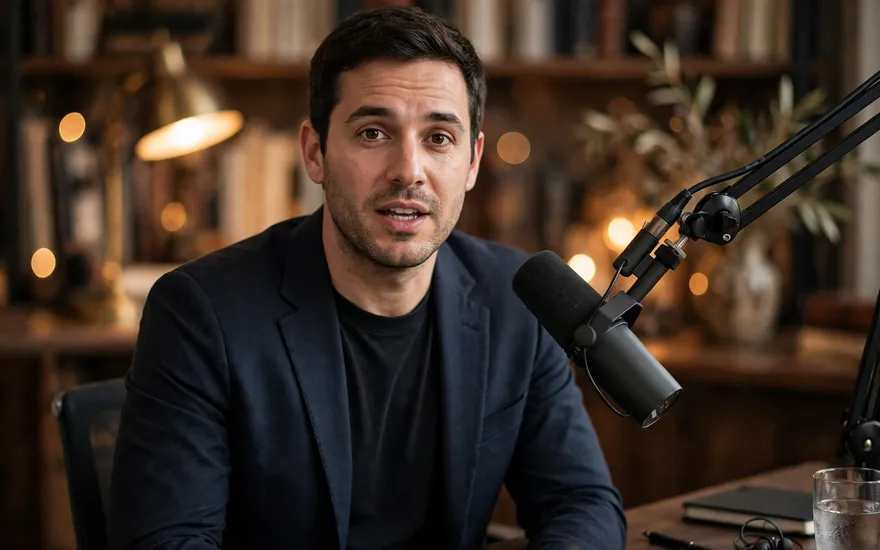 Talking-Head / Avatar Setup Shot for Midjourney VideoA locked, centered presenter frame built for avatar and lip-sync workflows: even light, clean sides for captions, no drift.
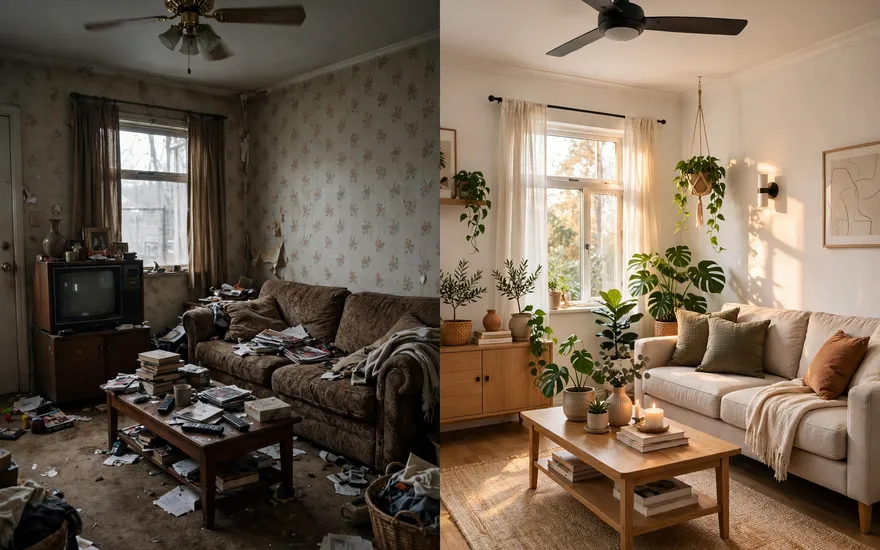 Before / After Transformation Video for Midjourney VideoOne locked-off shot that carries a subject from its before state to its after state — the change is the whole clip.
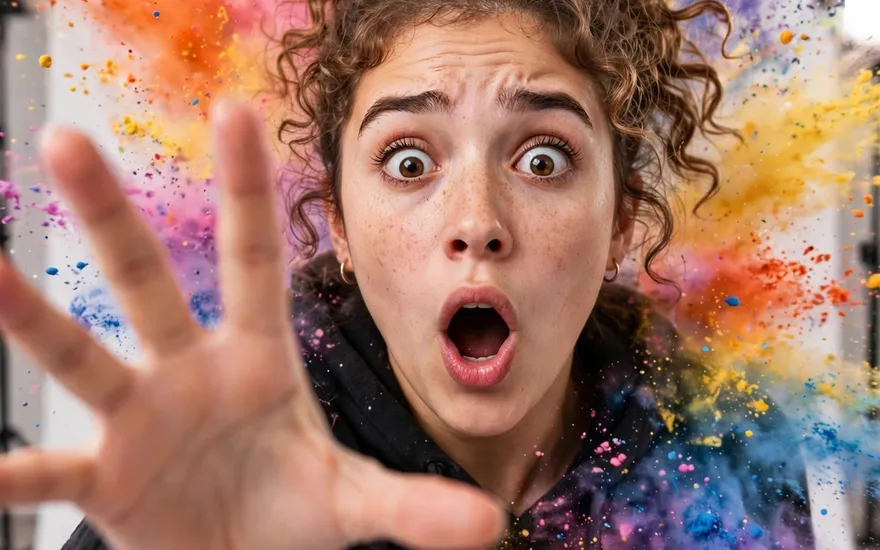 Social Hook Clip (First-Frame Stopping Power) for Midjourney VideoA vertical clip engineered around the first frame: already mid-action at frame one, payoff held at the end — built to stop a scrolling thumb.
 End-Card Shot (Closing Frame) for Midjourney VideoThe closing shot of a video or ad: subject centered, one light sweep, then a perfectly still hold with clean space for logo and call to action.
- Logo-Safe Product Video (Clean Frame for Post) Prompt for Midjourney Video — A product video shot deliberately clean — empty center frame and a still final hold — so logo and headline can be added in post without fighting the footage.
- UGC-Style Video Ad Prompt for Midjourney Video — A phone-shot, creator-style ad clip: handheld, everyday setting, one genuine reaction — made to look native to the feed, not produced.
- B-Roll Footage Generator Prompt for Midjourney Video — Clean, narration-ready B-roll: one subject, one gliding camera move, nothing that fights a voiceover or an edit.
- Talking-Head / Avatar Setup Shot Prompt for Midjourney Video — A locked, centered presenter frame built for avatar and lip-sync workflows: even light, clean sides for captions, no drift.
- Before / After Transformation Video Prompt for Midjourney Video — One locked-off shot that carries a subject from its before state to its after state — the change is the whole clip.
- Social Hook Clip (First-Frame Stopping Power) Prompt for Midjourney Video — A vertical clip engineered around the first frame: already mid-action at frame one, payoff held at the end — built to stop a scrolling thumb.
- End-Card Shot (Closing Frame) Prompt for Midjourney Video — The closing shot of a video or ad: subject centered, one light sweep, then a perfectly still hold with clean space for logo and call to action.
What this route costs — and how to pay less
Cost structure: bundled inside the Midjourney subscription — video generations draw on the same plan GPU time as images, with no separate video meter. The same prompt is pre-configured in this library for every major model, so you can run it on whichever route fits your budget — comparing the structures before you generate is a free way to save money.
The layer above prompts
Prompts are single instructions. Skills are procedures your AI keeps — see the Skills Library for SKILL.md files and the setup guide for this platform.
Mpromp2 — the AI Prompt Generator. All prompts are free to use, including commercially. Full library: all prompts, all models.